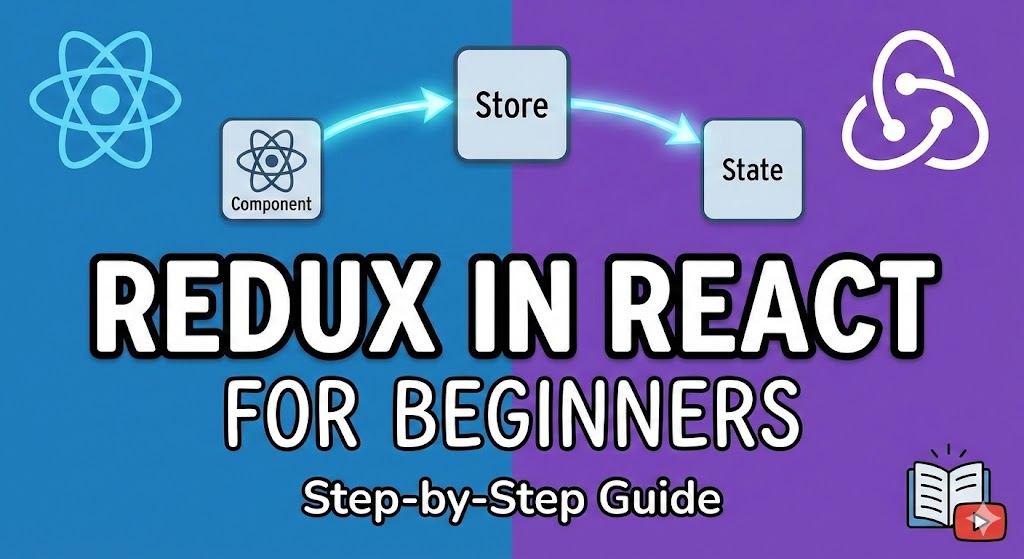
When a React application starts growing, managing state using only useState and props can quickly become messy. Data has to be passed down multiple components, updates become harder to track, and debugging turns painful.
This is where Redux comes in.
Redux helps you manage global state in a predictable and centralized way. In this blog, we’ll go through Redux from scratch, using Redux Toolkit, which is the modern and recommended way to use Redux.
Why Redux Toolkit?
Earlier, Redux required a lot of boilerplate code. Redux Toolkit simplifies everything by:
-
Reducing file clutter
-
Automatically handling immutability
-
Making reducers easier to write
-
Encouraging best practices by default
So whenever we talk about Redux today, we usually mean Redux Toolkit.
Step 1: Install Required Packages
First, install Redux Toolkit and React Redux:
npm install @reduxjs/toolkit react-redux
These two packages are all you need.
Step 2: Understanding Core Redux Concepts (In Simple Terms)
Before writing code, let’s understand the basic ideas:
Store → The central place where all global state lives
Slice → A piece of state + reducers related to one feature
Reducer → A function that updates state
Action → An event that tells Redux what happened
Dispatch → A way to send actions to Redux
Redux Toolkit hides a lot of complexity, but these ideas still matter.
Step 3: Create a Redux Store
Create a folder called redux (or store) inside src.
import { configureStore } from "@reduxjs/toolkit";
import counterReducer from "./counterSlice";

export const store = configureStore({
  reducer: {
    counter: counterReducer,
  },
});
What’s happening here?
configureStore creates the Redux store
counter becomes a global state key
counterReducer controls how this state updates
Step 4: Create Your First Slice
A slice contains:
Initial state
Reducer functions
Automatically generated actions
src/redux/counterSlice.js

import { createSlice } from "@reduxjs/toolkit";

const initialState = {
  value: 0,
};

const counterSlice = createSlice({
  name: "counter",
  initialState,
  reducers: {
    increment: (state) => {
      state.value += 1;
    },
    decrement: (state) => {
      state.value -= 1;
    },
    reset: (state) => {
      state.value = 0;
    },
  },
});

export const { increment, decrement, reset } = counterSlice.actions;
export default counterSlice.reducer;
Why this looks “mutating” but isn’t?
Redux Toolkit uses Immer, so you can write code that looks like mutation, but under the hood it remains immutable and safe.
Step 5: Connect Redux to React
Now we connect Redux to our React app.
src/main.jsx or src/index.js
import React from "react"; import ReactDOM from "react-dom/client"; import { Provider } from "react-redux"; import App from "./App"; import { store } from "./redux/store";
ReactDOM.createRoot(document.getElementById("root")).render( <Provider store={store}> <App /> </Provider> );
Why Provider?
Provider makes the Redux store available to every component in the app.
Step 6: Reading Data from Redux Store
To read data, we use useSelector.
Example Component
function CounterValue() {
  const count = useSelector((state) => state.counter.value);

  return <h2>Count: {count}</h2>;
}

export default CounterValue;
What’s happening?
useSelector accesses Redux state
state.counter.value matches the store structure
Component automatically re-renders when value changes
Step 7: Updating State Using Dispatch
To update Redux state, we use useDispatch.
import { useDispatch } from "react-redux";
import { increment, decrement, reset } from "../redux/counterSlice";

function CounterButtons() {
  const dispatch = useDispatch();

  return (
    <div>
      <button onClick={() => dispatch(increment())}>+</button>
      <button onClick={() => dispatch(decrement())}>-</button>
      <button onClick={() => dispatch(reset())}>Reset</button>
    </div>
  );
}

export default CounterButtons;
Key idea
dispatch(action()) tells Redux what to do
Reducers decide how state changes
Step 8: Using Redux with Async Data (API Calls)
Redux Toolkit provides createAsyncThunk for API calls.
Example: Fetch Users
import { createSlice, createAsyncThunk } from "@reduxjs/toolkit";

export const fetchUsers = createAsyncThunk(
  "users/fetchUsers",
  async () => {
    const res = await fetch("https://jsonplaceholder.typicode.com/users");
    return res.json();
  }
);

const usersSlice = createSlice({
  name: "users",
  initialState: {
    data: [],
    loading: false,
    error: null,
  },
  extraReducers: (builder) => {
    builder
      .addCase(fetchUsers.pending, (state) => {
        state.loading = true;
      })
      .addCase(fetchUsers.fulfilled, (state, action) => {
        state.loading = false;
        state.data = action.payload;
      })
      .addCase(fetchUsers.rejected, (state) => {
        state.loading = false;
        state.error = "Failed to fetch users";
      });
  },
});

export default usersSlice.reducer;
Add it to the store
import usersReducer from "./usersSlice";

reducer: {
  counter: counterReducer,
  users: usersReducer,
}
Step 9: When Should You Use Redux?
Redux is useful when:
Many components need the same data
State must persist across routes
App logic is complex
Debugging state changes matters
Avoid Redux for:
Small apps
Simple form states
Temporary UI states (modals, toggles)
Common Folder Structure
src/
 ├── redux/
 │   ├── store.js
 │   ├── counterSlice.js
 │   └── usersSlice.js
 ├── components/
 └── App.jsx
Final Thoughts
Redux may feel intimidating at first, but with Redux Toolkit, it becomes much more approachable. Once you understand slices, store, and dispatching actions, Redux actually makes large apps easier to manage and debug.
If you’re building anything beyond a small project, learning Redux is absolutely worth it.